UPDATE: OK thats all questions answered that had two or more upvotes when I pulled them mid week!
The July Creator AMA will be asynchronous this month with us taking and answering questions entirely via this forum post rather than live in Discord. Drop your questions in here - then I’ll work on getting the top upvoted questions answered by the team a few days later once we’ve gotten some questions and upvotes. We’ll be back to the live / normal AMA format in Aug!
Hello! We’ve all been enjoying the recent addition of the Mannequin. It’s a great feature so far. I had a few suggestions and questions regarding its future potential.
Could we see the option to use the bean body with mannequins? Yes, we know Holotars exist, but this would be much more flexible and useful in many cases.
I think the mannequin has tons of potential for circuits. Turning it on and off. Things like changing limb positions or stances, saving and switching between poses, and swapping out outfit pieces. There’s so much room for creative use here. Mannequin Prop Chips
I’d also love to see manual limb adjustment. I know that’s a big ask, but the ability to fine-tune the body pose manually would be incredible for creators.
This next idea is less creation focused unless someone circuits a system for it, but being able to equip the avatar saved on a mannequin would be amazing. Imagine building a wardrobe setup where you pick your outfit through interaction, essentially custom outfit selection outside of the watch.
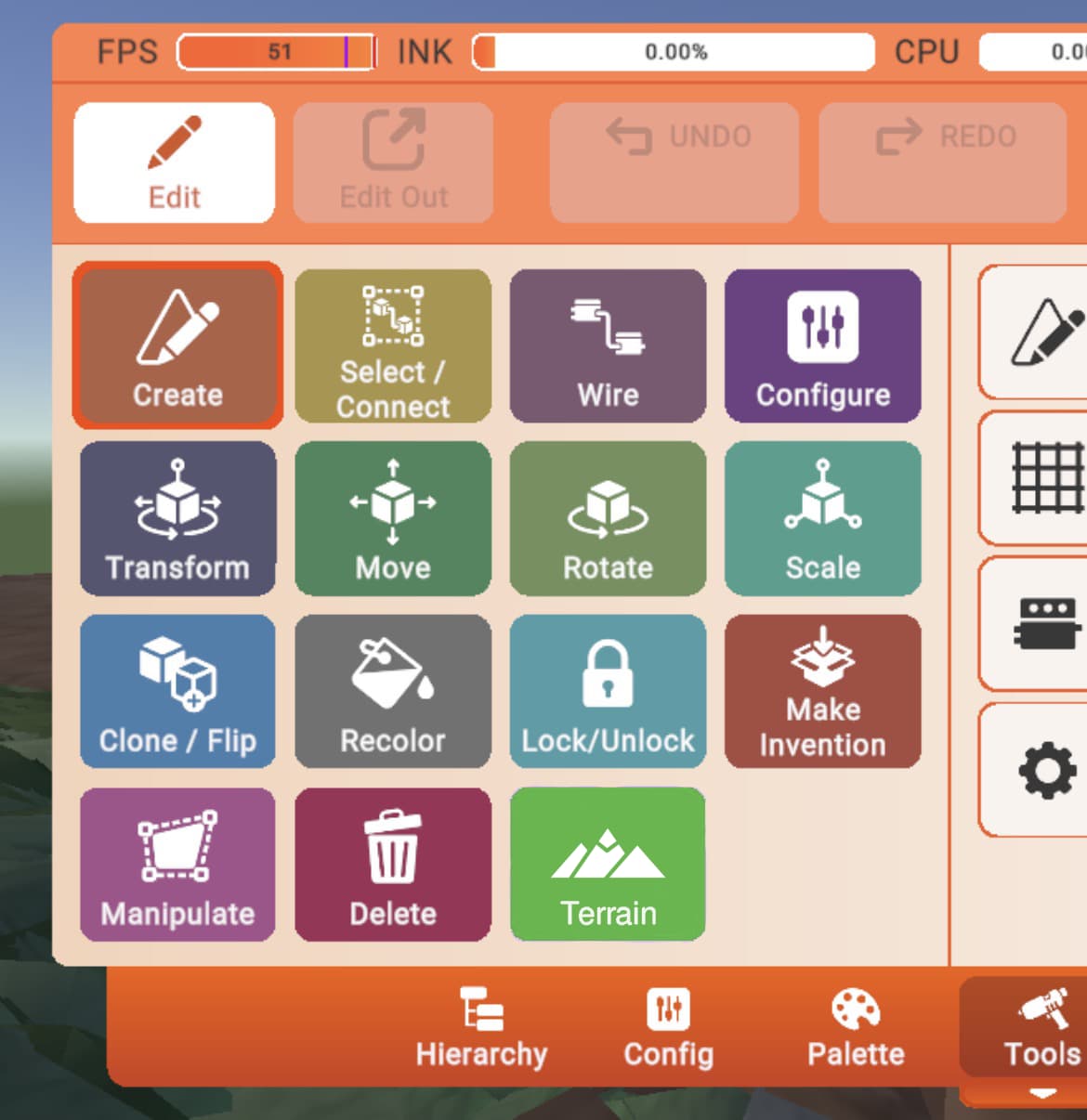
Since Maker AI can generate terrain for us, will it soon be possible for us to manually make custom terrain within rec room with the maker pen? (Especially for non RRS users)
Maybe when you press the terrain button on the maker pen, a tab will show up giving you options and tools for it
Ability to “Disable Skins” in our Room Settings when objects need to remain “as is” for certain games…
Sometimes when creating games, we use different props like Basketballs, Dodgeballs, Buggies colored for 2 different teams, etc… and by players grabbing these objects and their equipped skins changing the colors of the objects, it can make the game impossible to play.
For example, a bunch of mixed Red and Blue basketballs throughout the map, where one team has to grab all the red basketballs and throw them in their hoop, while another team has to grab all the blue basketballs to throw in their hoop. But once a player grabs any basketball, it changes the skin of the basketball, so no one can know if it is red or blue.
Or a game with Buggies… 3 Vs 3, Red Team Vs. Blue team. If we color 3 Buggies Red and 3 Buggies Blue for our game, once players get in, their equipped skins will automatically change the Buggie colors to whatever skin they have equipped, so no one will know who is on what team.
Most the times, skins are fun… but in certain rooms and for certain games, we need the option to “disable skins” in order for our games to work.
2 .Size local player will Size local player and it will affect only you and will show to Everyone
Player - Self Explainatory
Can be sized - if False the execution will be ignored if True all of executions will be enabled
3What body to size? - will change body size to specific body part
Use “Body part”? - if True will enable “what body to size”
Speed/Jump Changes on Local player size - if True The player speed and jump will be scaled on player size
6.Does affect everyone? = If True Execution will Affect everyone
Disable Player body parts Limits? - When True Players can Stretch their arms as long as they want.
Current local player size - Will Show or Select that amount of players that can be chosen to be sized
Player size - the player size can be changed by this int
10.Return to normal size - when executed the local player gets reset to norma
Return all players to normal Size - will reset everyone to normal size
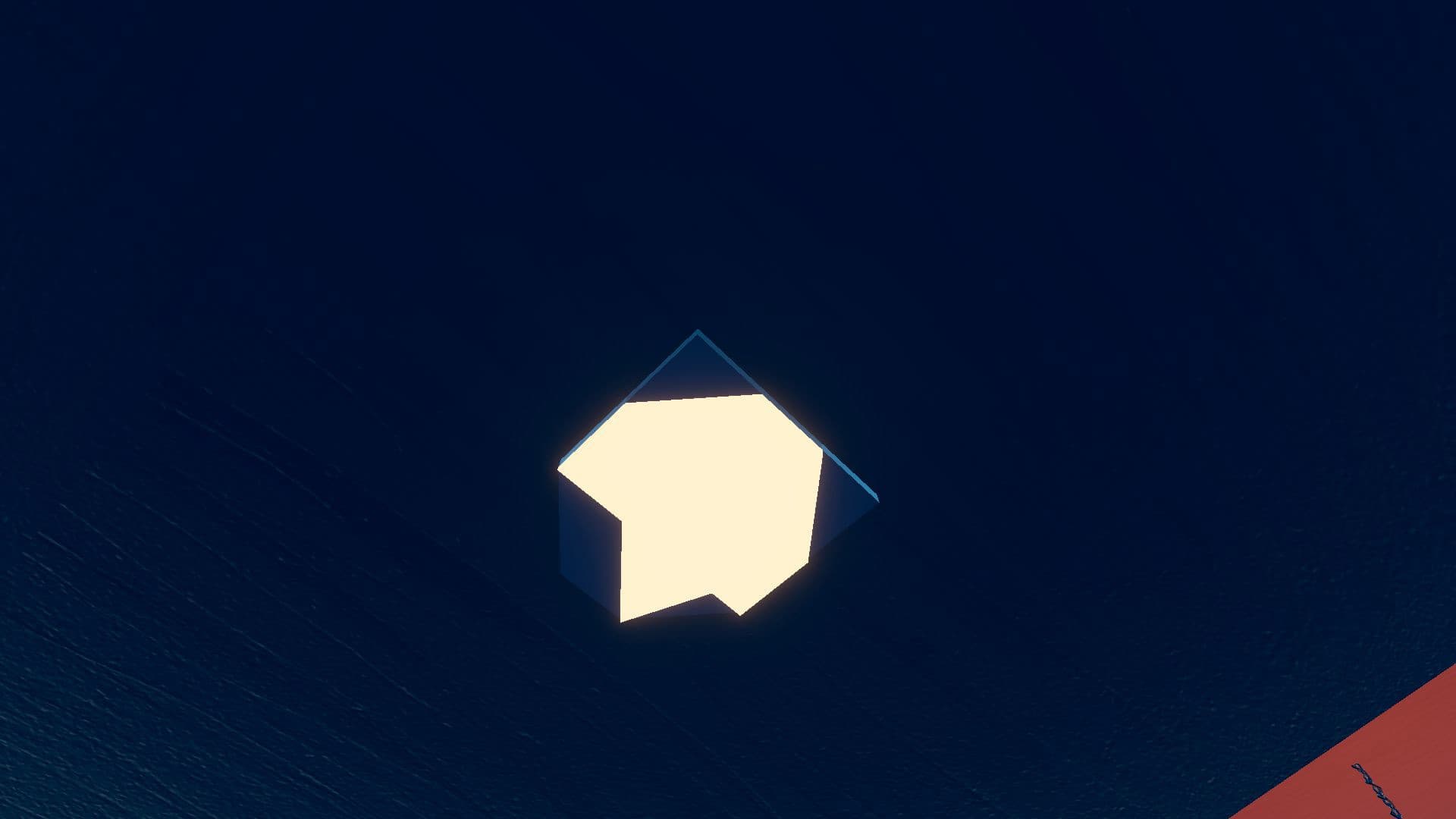
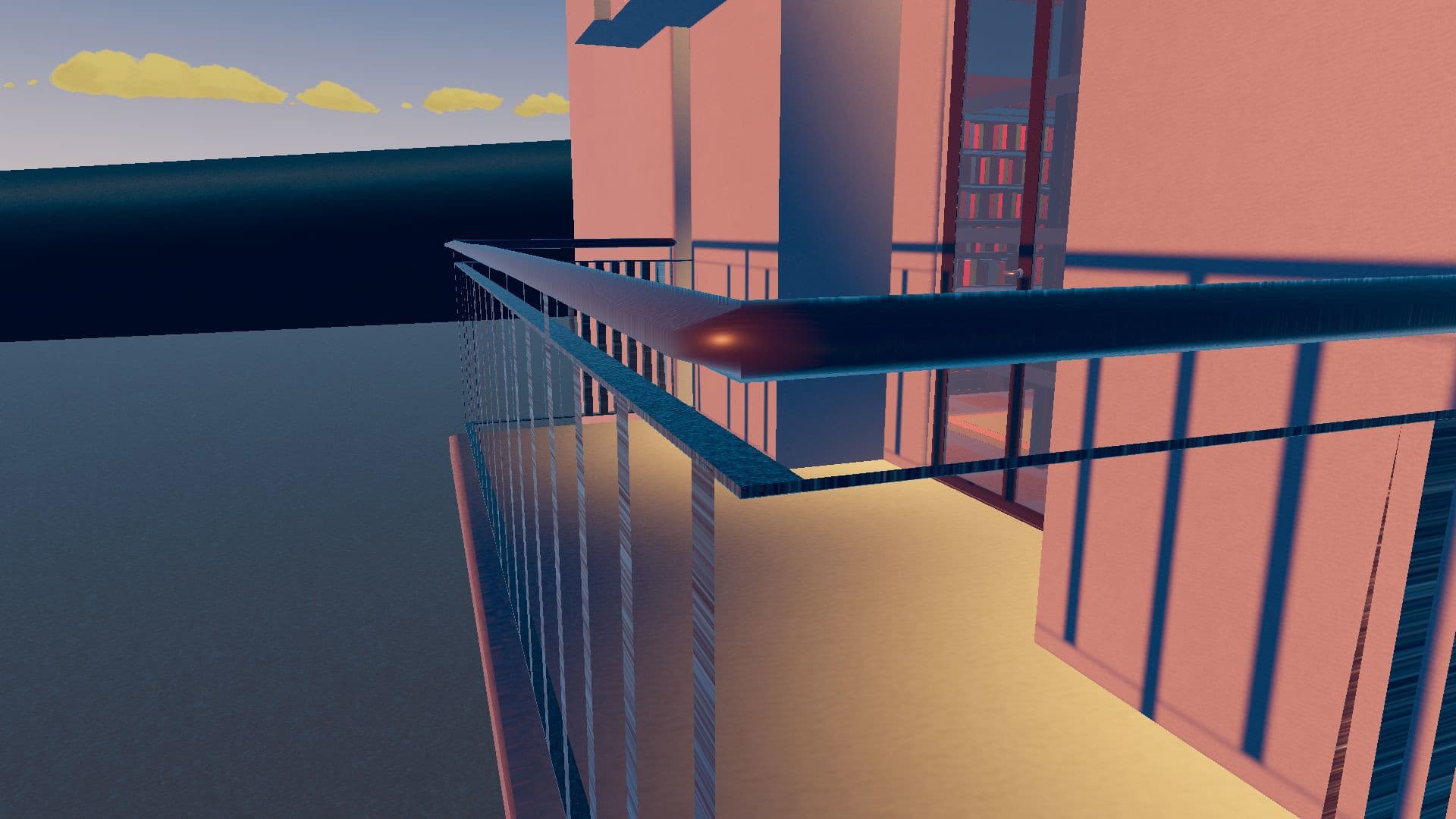
Ever since the Dynamic Experience Quality (DEQ) rendering engine came out recently, a lot of my older rooms (even after the recent patch this week that said it fixed it) have turned out with broken shapes like distorted default maker pen shapes, twisted, flat and thick tube, materials stretched out, and some shapes warped out of their original place.
These older rooms are Rooms V1, with some having Limits V2 enabled. This bug hasn’t affected any of my newer V1 Rooms (other than the materials stretching out), so it could be a thing to do with the age of the room.
I’ll upload a couple of pictures to show these bugs.
Materials are bugged in most rooms that have been updated recently, and this is what I mean by stretched out. This material is supposed to be Painted Wood.
Thanks for listening, and I hope this gets read out.
Within RRStudio.. why is it that we cannot create holes in the terrain? I’m guessing it’s an engine limitation since even RecRally had to work around the issue, but it be interesting to know what prevents it from being possible
@Secona reply to your question from the avatar team:
—
Great ideas! We wanted to get the Mannequin out to the community to understand how useful it was for creators and in what ways, and this is good confirmation of our own hopes/dreams for future updates to the Mannequin Prop.
Right now we do not have updates on the schedule, but we would like to add things you’ve mentioned like support for Bean avatars, better ways of configuring the body shapes and outfits, etc.
If/when we take a second pass at the tool, we’ll want to collect more feedback like this from the community, so keep an eye out for something like a survey or poll in the creator forums so you can all weigh in. We have a bunch more exciting ideas for directions we could take this, so thanks for letting us know that you would be interested if we have time to give it more love.
Have you ever planned to provide a forum page about new creation tools or circuits when those come out with the update showing gifs/images on how it works? For example I wanted to know technically how magnet anchor tool worked when it came out with the update, and this can be done for the next ones, and I don’t mean ai things, moderation etc.. only but for every important tool that come out for every update
Considering that the terrain can now be generated without RRS (via. the use of AI), would it be possible to also give Maker Pen users in-game tools to manually sculpt & paint their own terrain?
Has/would Rec Room consider some sort of “playlists” feature where, like the new-ish “Play Later” feature they’ve added as an alternative to favouriting rooms you want to check out later, you can add rooms to different lists/folders of your own, and can share them with friends using a link or code? Creators could make playlists out of their own rooms to display on their portfolio too, to help organise their different genres of rooms so their subscribers can more easily find their favourite genre of rooms by a creator!
Rectubers and other big figures could use it to share and push activity towards rooms they really like—“Scariest Horror Rooms From 2024”, “Racing Games”, “Cool Melee PVPs”, “Long Adventure Maps”, etc etc. If it can be so difficult for Rec Room to control how well slop rooms perform and are promoted to users, this could put a little more power in our hands to promote well-made rooms that we think deserve it.
Will Rec Room ever attempt to make more elaborate and in-depth tutorials for CV2? With AI tools being able to do most of the work for less knowledgeable players now, i think we really need a proper set of tutorial videos that don’t just explain “here is how to make a ranking system”, “here is how to make an elevator”, but instead explain circuits concepts like “what are vectors”, “what uses NET and how to keep it from overheating”, “how does angular velocity work”, “how do you use a quaternion”. It would be great to give them examples of different circuits where these concepts serve a core purpose, or visual aides to help them better understand how something works.
For example, to explain multiplying quaternions you could show how really it’s imagining you ARE the first quaternion, and copying the rotation of the second quaternion from your perspective! Or how magnitude is the “length” of a vector when you square, add, and root its individual values! Or how vectors can be interpreted as a world position, facing direction or a velocity! Or how HSV works and how you can smoothly transition between colours with it!
I’m not sure which feature you are specifically requesting here, but we often have different tools and menus for either developer specific functions or are testing out some changes internally. Some of these might be released in the future, and we are currently looking at providing better information on room performance!
What specific parts of this are you most interested in?
Would there be a way to publish a room save requiring all players to be on this room save regardless if you’re on an older version of RecRoom?
Right upon the final countdown of being able to edit your room for the #Solarpunk contest. We saved our room and can no longer save anymore or do any more room changes. However.. Players on consoles/Nintendo Switch that can’t be updated as fast as RecRoom would like them to, get to load older versions of our rooms that contain CV2 that gave anyone who joined, fly and buttons to give themselves in-room currency, and take photos of our in-room playtest countdown.
Hopefully a toggle can be provided when we ‘save’ the room to require all players to be on this version or newer and disregard allowing players to join older versions of our room?
When are you finally gonna sweep the invention store clean? Especially the shirts and dorm skin hot page haven’t had a decent rotation for years. You honestly think it’s fair to creators to just ignore them?
We are looking into this right now. We think the environment generation system is cool, and it should be possible to expose a bunch of the parameters for manual use. Actual vertex sculpting of the terrain is unlikely, but plenty of other control should be possible.