
All creators must abide by Rec Room’s Terms of Service, Code of Conduct and Creator Code of Conduct. Items made in Avatar Studio must follow additional requirements as laid out here.
We will keep these requirements under review as the program expands and are likely to make further changes as more creators are onboarded and we make further improvements to our internal systems. We will update this page and let you know.
Creations that do not abide by these requirements will not be published or will be unpublished if found to be in violation post-publication. Repeat violations by a creator will result in removal of Avatar Studio access privileges.
Items Must Fit Within Item Bounds
We provide bounding boxes in our Blender tooling for each item type and validate against these in Avatar Studio. UGC items need to fit into the bounds defined for that item type. Additionally, we include a sphere around the avatar’s head where creators should avoid modeling details that could clip into the face of VR players.
Gameplay is also very important to consider in avatar items. Creators should test every item they make in game in crawling/prone states, and in third-person on screen devices, to make sure items do not create a bad gameplay experience.
Use of Transparent Materials
Transparent materials are currently only allowed on eyewear items which occupy the “_Eye” slot. Creators are allowed a maximum of 2 materials (1 opaque, 1 transparent) to accommodate this. Do not layer multiple transparent mesh shells, as this causes performance issues. We are working on improved tooling and validation for transparent materials, and plan to unlock their usage over time—but transparency remains expensive to render on low-end platforms.
Transparent clothing is not permitted now and will not be permitted in the future.
The Robocop Rule: Creating for the Rec Room Avatar
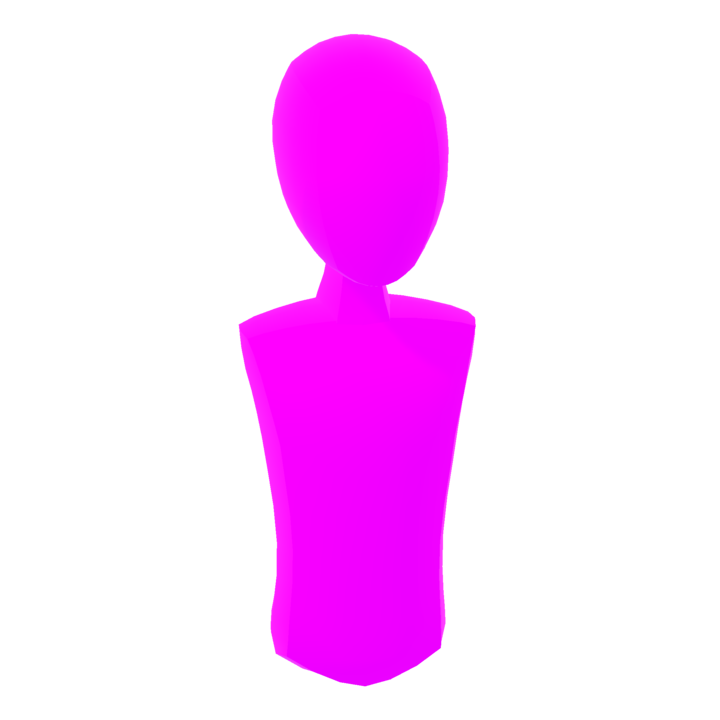
Creators should preserve the visual “soul of the bean” — the sense that a core avatar exists inside the costume. Especially for Bean avatars, this helps maintain Rec Room’s unique aesthetic and gameplay identity.
Here’s how to apply this:
- Scope: The guidance below applies only to Head + Torso items on Bean and Full-Body avatars, and to Neck items on Full-Body avatars.
- Full helmets are allowed and can use head culling groups (which are now enabled). These must fully replace the face and head visually.
- For the head + torso silhouette only, visual bones or internal structures (e.g., skull, ribs, spine) may replace flesh or fabric as long as they meet or exceed the validator silhouette; limb slots are exempt and may float or detach where stylistically appropriate.
- A neck is not required to be explicitly covered, but there should be some clear representation of one. A floating head with no transition is discouraged unless stylistically intentional and well-executed (e.g. ghost or skeleton themes).
- For Bean avatars, avoid directly modeling arms or necks that break the floating-limb look. Instead, use creative proxies like shoulder pieces, scarves, or accessories.
- For FBAs, full-body realism is allowed, and culling groups can be used as long as replaced parts still meet coverage and silhouette requirements.

Flipped Normals
Flipped normals can be used to create cool effects like faux transparency or skeleton interiors. They are permitted as long as they are stylistically appropriate and performance-conscious.
However:
- Flipped normals do not count as body coverage for modesty or validator purposes on their own.
- You must still ensure that head, torso, and modesty-covered areas meet silhouette and coverage requirements.
- Visual bones or internal structures (e.g. a skull or spine) that match or exceed the validator silhouette can be used in place of flesh or fabric, if the intent is clearly readable.
- Use caution when relying solely on inverse shells to simulate coverage; a visibly hollow or skimpy mesh may fail moderation if it lacks enough presence or structure.
These types of effects may receive additional manual review.
Modesty Covers
Items must follow the Creator Code of Conduct. Sexual or sexually suggestive content is prohibited—including lingerie, exposed genitalia, cleavage, or buttocks.
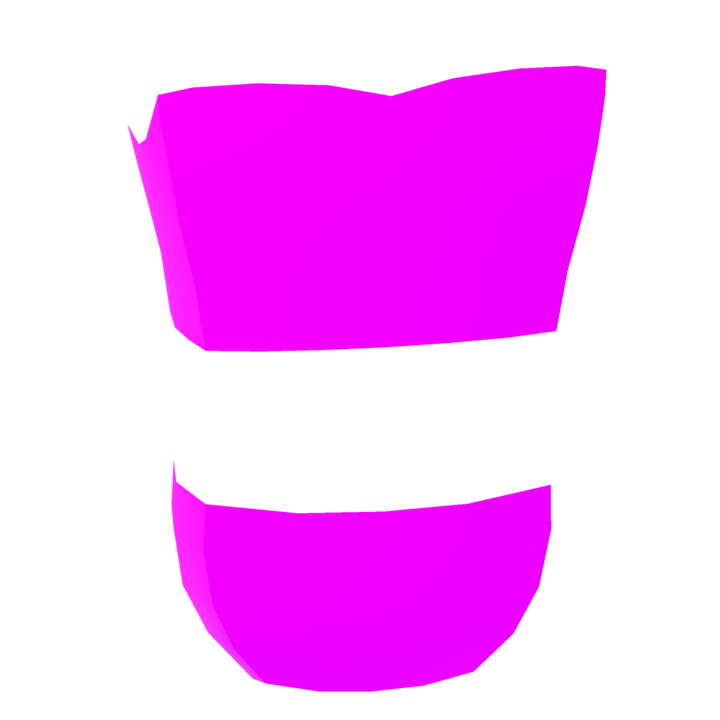
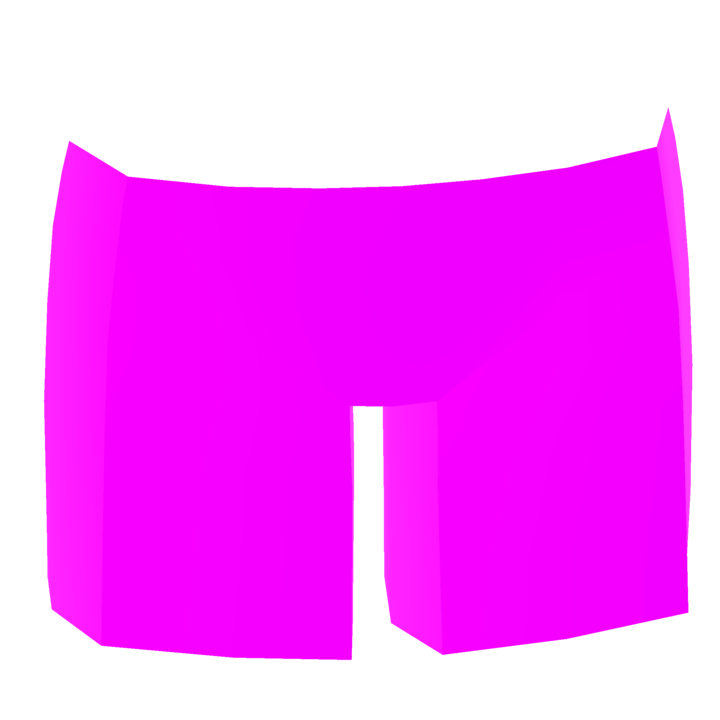
Avatar items must meet the modesty validator coverage built into Blender. These include:
- Coverage from hips to upper thigh (pants, skirts, leg items)
- Coverage from upper chest to lower stomach (shirts, tops, dresses)
- Some form of back coverage (no completely exposed backs)

Do not use skin-tone-colored meshes to imply nudity. Using skin tones for stylized purposes (e.g. gloves, masks) is okay—context matters.
These are minimum standards. Items may still fail moderation if they appear inappropriate in context or when combined with other items.
Content Creation Requirements
Each Avatar Studio item receives prominent visibility in game. To maintain high-quality and brand-aligned content, please avoid:
- Impersonating Rec Room Originals or Coach
- Including IP you don’t have the rights to
- Referencing politics, religion, dating, gore, or discriminatory content
- Spamming republished versions of the same item (minor recolors are fine)
- Disrupting gameplay or the user experience
While not prohibited, we recommend avoiding excessive text in items. This may trigger moderation review and delay publication.